here are the steps to follow:
- Download the Nomoex app from the Playstore and sign up for an account.
2. On home page click on “deposit.”
3. Select INR deposit and enter an amount greater than ₹1100.
4. Proceed to pay and enter your phone number. Submit the OTP that you receive on your phone.
5. Ensure that your account name matches your KYC name on the app. If you’re a new user, you’ll be asked to complete KYC during the INR deposit process.
6. Copy the UPI ID from your Nomoex app with the 4-digit code and paste it to note in any UPI app you are using to pay while sending the amount to the UPI ID.
7. Then comeback to nomoex app and confirm your payment.
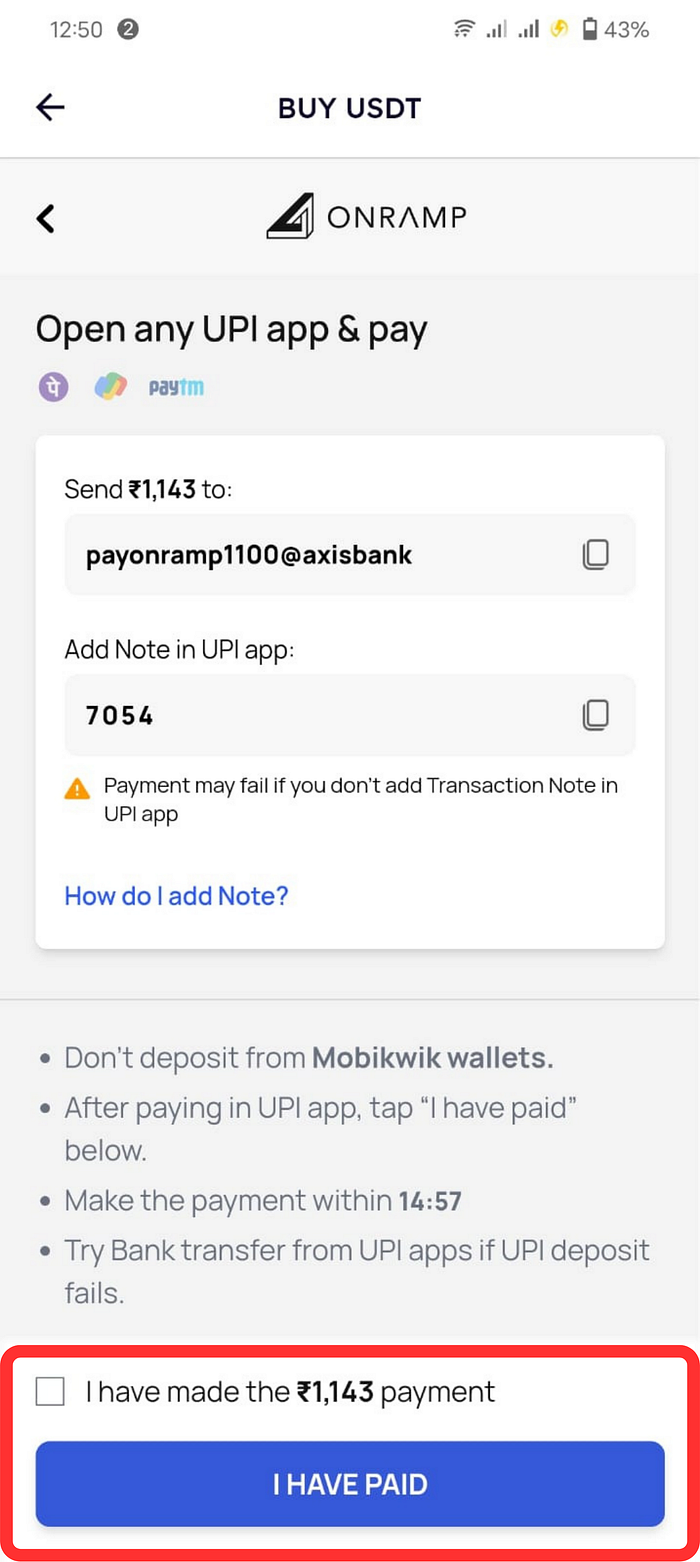
8. In 3 to 4 minutes, you will have the same worth of USDT in your Nomoex app just refresh your portfolio.
By following these simple steps, users can easily invest in Nomox token through INR on the Nomoex app. It’s exciting to see Nomoex making it easier for more people to invest in cryptocurrency.